
1) Navigate to https://cloud.webpal.net
2) Login with your email address and password. Click here on how to reset your portal password – If you don’t know the email listed on the account please reach out to billing@cloud.webpal.net
3) When you’re logged in, look for this at the right of the bar at the top of the screen:
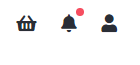
4) Click the Person Icon then Account Details from the dropdown menu
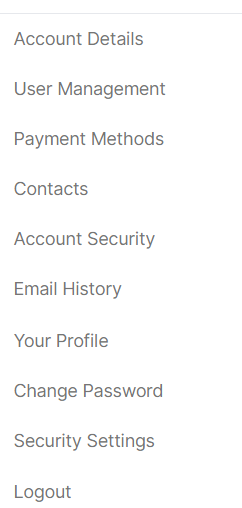
5) Make the necessary changes on this screen
6) Scroll to the bottom and click on Save Changes